
Digital Habits
Phone & Tablet Settings Guide

FSDAVCFEBFEVSDDVFSD
FSDAVCFEBFEVSDDVFSD

FSDAVCFEBFEVSDDVFSD
Start with Distance and Text
Increase text size to reduce squinting and hunching during homework. On iPhone, go to Settings → Display & Brightness → Text Size; on Android, Settings → Accessibility → Font Size. Enable Bold Text for clarity. On newer iPhones and iPads, activate Screen Distance Alerts to cue proper posture.
Raise devices to eye level with a stand, and use bright, nonglare lighting. Pair these steps with 20-20-20 reminders—every 20 minutes, look 20 feet away for 20 seconds—to reduce eye strain iPhone and Android users experience. Bigger, clearer text and consistent viewing distance encourage healthier visual habits without daily reminders from parents.
Increase text size to reduce squinting and hunching during homework. On iPhone, go to Settings → Display & Brightness → Text Size; on Android, Settings → Accessibility → Font Size. Enable Bold Text for clarity. On newer iPhones and iPads, activate Screen Distance Alerts to cue proper posture.
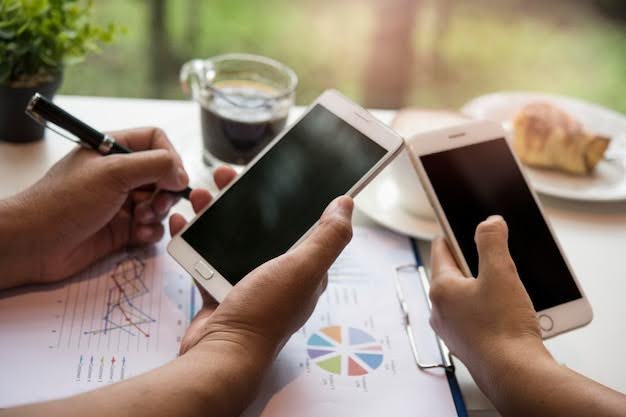
Raise devices to eye level with a stand, and use bright, nonglare lighting. Pair these steps with 20-20-20 reminders—every 20 minutes, look 20 feet away for 20 seconds—to reduce eye strain iPhone and Android users experience. Bigger, clearer text and consistent viewing distance encourage healthier visual habits without daily reminders from parents.
Timers, Downtime, and App Limits
Use built-in tools like Screen Time on iOS or Digital Wellbeing on Android to set daily screen time limits your child can follow. Create focused study windows where only school-related apps are active to reduce distraction and near-work fatigue. These structured periods help enforce healthy device use while supporting Myopia Management habits at home. Consistent routines also teach children self-regulation and prevent overexposure to screens, which can strain vision.
Schedule Downtime before bed and automate shortcuts that close gaming apps, open reading tools, and adjust display settings using Night Shift or Eye Comfort Shield. Reducing blue light exposure in the evening supports better sleep cycles and helps limit eye strain associated with prolonged near-work. Pair these settings with a steady bedtime routine to make screen management predictable and easier for the whole family.
Enable Focus Modes for homework to block games, social media, or other distractions. Add calendar reminders for regular breaks to reinforce the 20-20-20 rule: every 20 minutes, look 20 feet away for 20 seconds. Share passcodes between caregivers so app limits stay consistent but can be flexibly adjusted during exams, holidays, or special activities, maintaining both structure and adaptability.
Manage Notifications and Adjust Screen Brightness
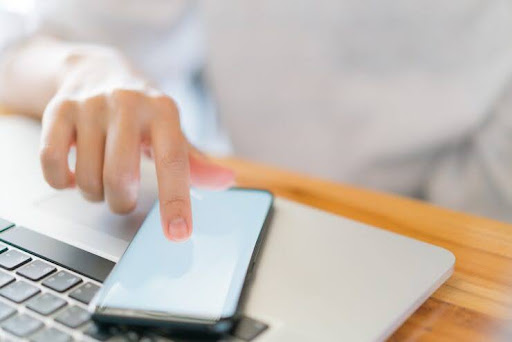
Disable nonessential alerts during study hours to prevent constant refocusing from near to far. Limit lock-screen previews to essential school apps only, reducing cognitive strain and supporting steadier focus. These adjustments make homework and screen time less distracting, helping children maintain attention while reinforcing Myopia Management habits at home. Proper routines around notifications also encourage consistent focus and healthy visual habits throughout the day.
Adjust brightness to match room lighting—auto-brightness works best for changing conditions. Dim overly white backgrounds or activate Dark Mode in low-light environments to reduce glare.
Encourage regular blinking breaks and water sips to maintain comfort and tear stability. Combine these settings with proper screen positioning to reduce eye strain during long reading, homework, or study sessions on iPhone and Android devices. Managing notifications and brightness consistently protects vision and strengthens healthy device habits for pediatric myopia care.
Add home-screen widgets for break timers and outdoor-time goals. Use automation shortcuts—for example, after 20 minutes on a reading or homework app, trigger a voice reminder for a visual break or distance check. These device-native nudges make the 20-20-20 rule effortless and help children remember to look up, stretch their eyes, and rest their vision regularly. Consistent use reinforces healthy visual habits and reduces near-work fatigue, supporting Myopia Management efforts at home.
Post a printed “Study Station Checklist” at the desk: charged device, elevated stand, bright lamp, water bottle, and glasses. Visual reminders help maintain proper distance, lighting, and posture automatically, turning good habits into muscle memory. Combine these routines with guidance from your Houston eye doctor to protect vision growth, prevent eye strain, and reduce screen fatigue during long study or reading sessions. These simple steps empower children to develop steady, healthy habits while supporting pediatric myopia care.
Accessibility Features That Support Healthy Vision
Enable Speak Selection, Reader View, or Simplified Layouts to reduce clutter and visual crowding. These accessibility tools make it easier for children to scan and comprehend content while minimizing near strain. By simplifying what appears on-screen, kids can focus on reading and homework without unnecessary visual effort, supporting healthier visual habits at home.
Avoid constant pinch-zooming by selecting larger default text through system settings. For younger children, prefer tablets or monitors instead of small phones, as larger displays naturally encourage healthier posture and longer viewing distances. These adjustments not only make device use more comfortable but also align directly with Myopia Management strategies discussed during Comprehensive Eye Exams. Consistently combining accessibility features, appropriate device choice, and proper posture helps reduce eye strain while supporting long-term vision care for pediatric patients.
Family Rules That Reduce Friction
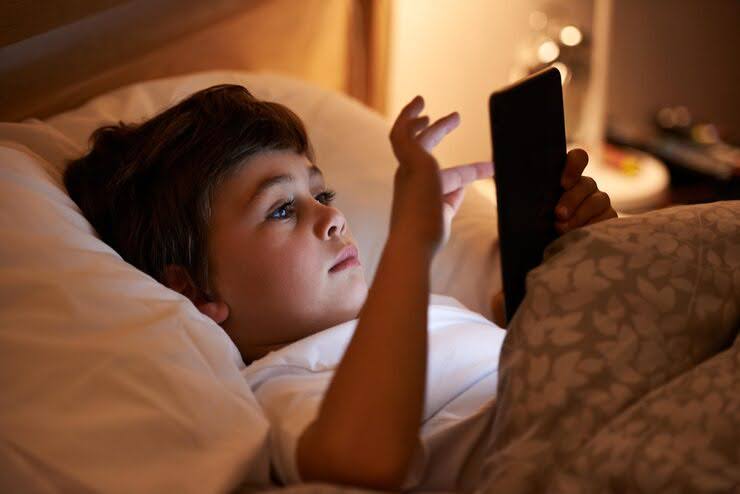
Set shared family rules for consistency: use devices only at tables with stands, not while lying down or curled on couches. This encourages proper posture, supports healthier viewing distances, and reinforces Myopia Management habits.
Establish a “no screens” rule 30 minutes before bedtime to protect sleep quality. Encourage outdoor or stretch breaks during every study block to reduce near-work fatigue, maintain comfort, and promote healthy visual habits.
Set shared family rules for consistency: use devices only at tables with stands, not while lying down or curled on couches. This encourages proper posture, supports healthier viewing distances, and reinforces Myopia Management habits.
Establish a “no screens” rule 30 minutes before bedtime to protect sleep quality. Encourage outdoor or stretch breaks during every study block to reduce near-work fatigue, maintain comfort, and promote healthy visual habits.
Rotate “tech captain” duties among children so they can set timers, monitor screen distance, and earn rewards for sticking to the rules. Review weekly wins and adjust screen limits during sports seasons or exam weeks to maintain balance. These routines create structure, reduce arguments, and reinforce consistent device habits while supporting long-term pediatric myopia care.
Two-Week Settings Sprint (iOS & Android)
Week 1: Begin by enlarging text on devices, activating distance alerts, and setting homework Focus Modes to reduce distractions and near-work strain. Install 20-minute break timers to reinforce the 20-20-20 rule, giving eyes a chance to relax and refocus. Log comfort (0–10) and clarity scores at the end of each study day. This consistent logging allows you and your child to track trends and link screen habits to comfort, supporting steady progress in Myopia Management.
Week 2: Introduce bedtime Downtime, app limits, and brightness-matching routines to reduce eye strain and protect sleep quality. Add outdoor-time widgets to encourage movement and natural light exposure between study blocks. Conduct a weekly Sunday review together to reflect on wins, identify obstacles, and make small improvements. Share screenshots of these settings during your Comprehensive Eye Exams so your Houston eye doctor can connect digital habits to your child’s myopia-control goals.
If headaches, near blur, or eye fatigue persist, bring screenshots of display setups and study posture photos to your Houston eye doctor. This helps them provide tailored guidance on ergonomic adjustments, break timing, and lighting strategies, ensuring comfort while maintaining effective Myopia Management.
During high-stress weeks, it is fine to loosen nonessential limits, but keep break reminders, bedtime timers, and logging consistent. Review comfort logs at each check-in, adjusting routines calmly. Focusing on steady improvement, rather than perfection, reinforces healthy habits, protects vision growth, and supports long-term success in your child’s Myopia Management plan..
Parent FAQs About Screen Habits
Do blue-light filters prevent myopia? Evidence is mixed. While filters can reduce glare and improve comfort, maintaining proper viewing distance, taking regular breaks, and spending time outdoors remain far more important for lowering myopia risk and supporting healthy eye growth.
Are OLED dark themes better? Comfort varies by child. The key is adjusting brightness to match ambient light. Can I block all games? Instead of a full ban, use study Focus Modes and balanced screen-time limits to encourage sustainable habits, consistent routines, and steady Myopia Management progress.
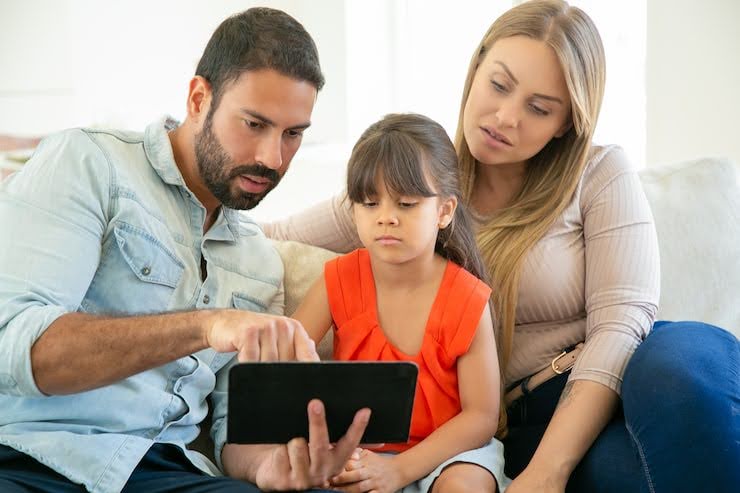
Do blue-light filters prevent myopia? Evidence is mixed. While filters can reduce glare and improve comfort, maintaining proper viewing distance, taking regular breaks, and spending time outdoors remain far more important for lowering myopia risk and supporting healthy eye growth.
Are OLED dark themes better? Comfort varies by child. The key is adjusting brightness to match ambient light. Can I block all games? Instead of a full ban, use study Focus Modes and balanced screen-time limits to encourage sustainable habits, consistent routines, and steady Myopia Management progress.
What if school apps increase screen time? Offset extra near work with outdoor play, paper notes, and larger displays to maintain comfortable Android screen distance. Share these routines with your Houston eye doctor during Pediatric Eye Exams or Comprehensive Eye Exams so habits align with axial length monitoring and your overall Myopia Management plan.
Home Technology Tips for Myopia Management
Post two simple goals for home tech use: maintain proper viewing distance and reach daily outdoor minutes. Review progress every Sunday to reinforce habits and celebrate small wins. If children drift nose-close to screens, enlarge text, raise device stands, or adjust brightness; if late nights begin creeping in, strengthen Downtime and bedtime routines. Tracking these adjustments helps maintain comfort, clarity, and consistent visual habits.
Thoughtful device configurations, combined with calm, structured routines, turn screens into tools that support learning instead of straining vision. Pair these habits with regular Comprehensive Eye Exams and professional Myopia Management at Kleinwood Vision to monitor axial growth and overall eye health. For tailored guidance, device setup support, or questions about routines, contact your Houston eye doctor today to ensure your child’s visual development remains steady and well-managed.
Contact Info
Hours of Operation
Mon - Fri | 9:00 AM - 5:00 PM
Sat - Sun | Closed
Holiday Hours: We are closed for the following holidays: New Years Day, Memorial Day, Independence Day, Labor Day, Thanksgiving Day, Christmas Day
The information provided on this website is for general informational purposes only and does not constitute professional medical advice, diagnosis, or treatment. Always seek the guidance of a licensed eye care professional or qualified health provider with any questions you may have regarding a medical condition or vision concern. Results from eye care services may vary by individual.
© 2026 Kleinwood Vision. All rights Reserved.